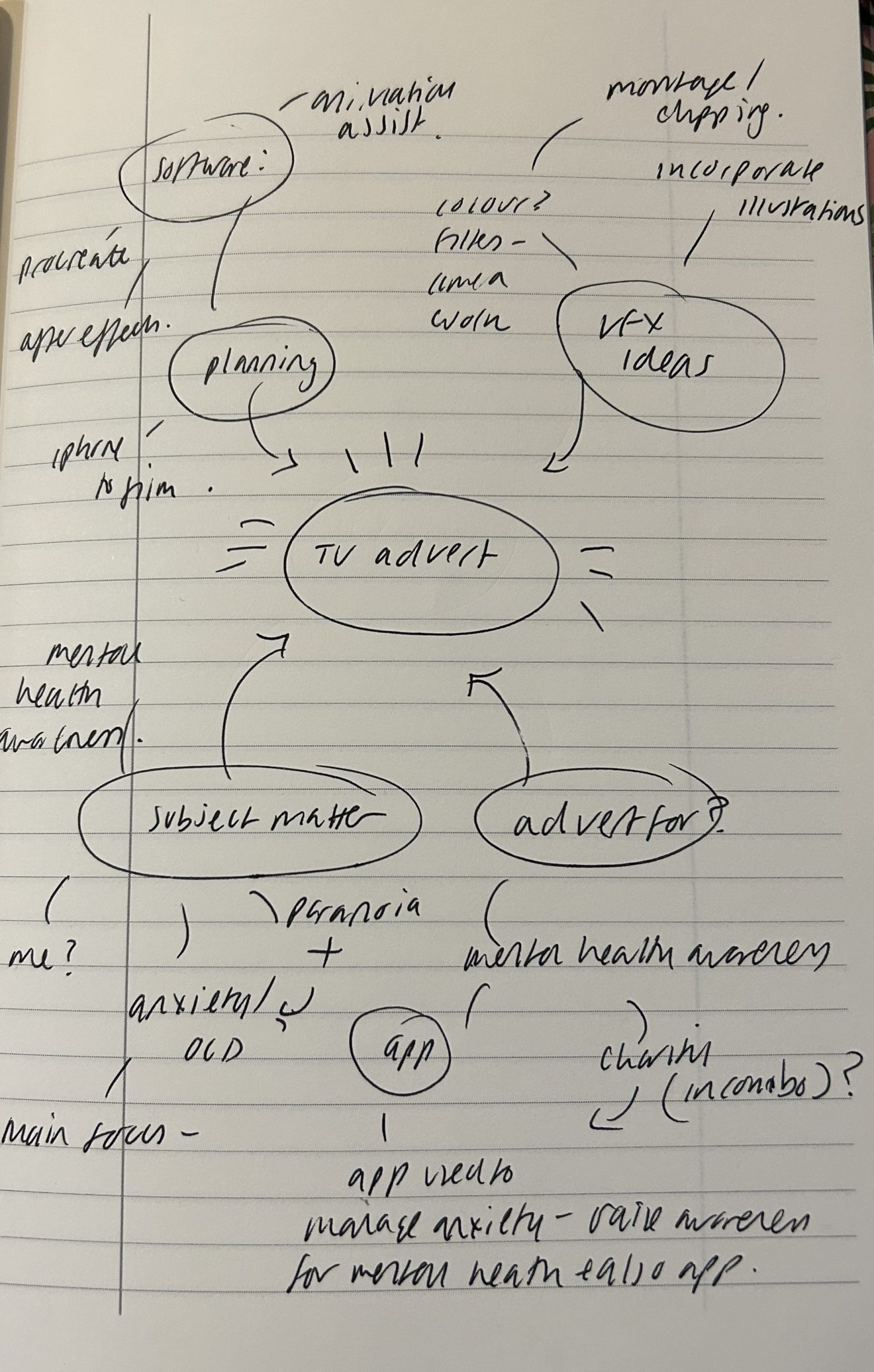
I started initially by brainstorming my ideas on paper. I had decided that I wanted to make an advert and knew that I wanted to raise awareness for mental health I was just unsure on what I wanted the advert to be promoting. Eventually I decided that it would be an advert for an up and coming app that helps people with anxiety to journal their feelings. From this decision I came up with the tagline ‘type it out’. I also brainstormed the kind of visual effects, software and camera techniques that I would use in my piece and I will go into detail about these in different blog posts.
As for the storyboarding, I drew all of my frames out on to paper and then traced over them in procreate on my iPad, this made it clearer for me and helped me to finalise the shots I needed to create my advert.
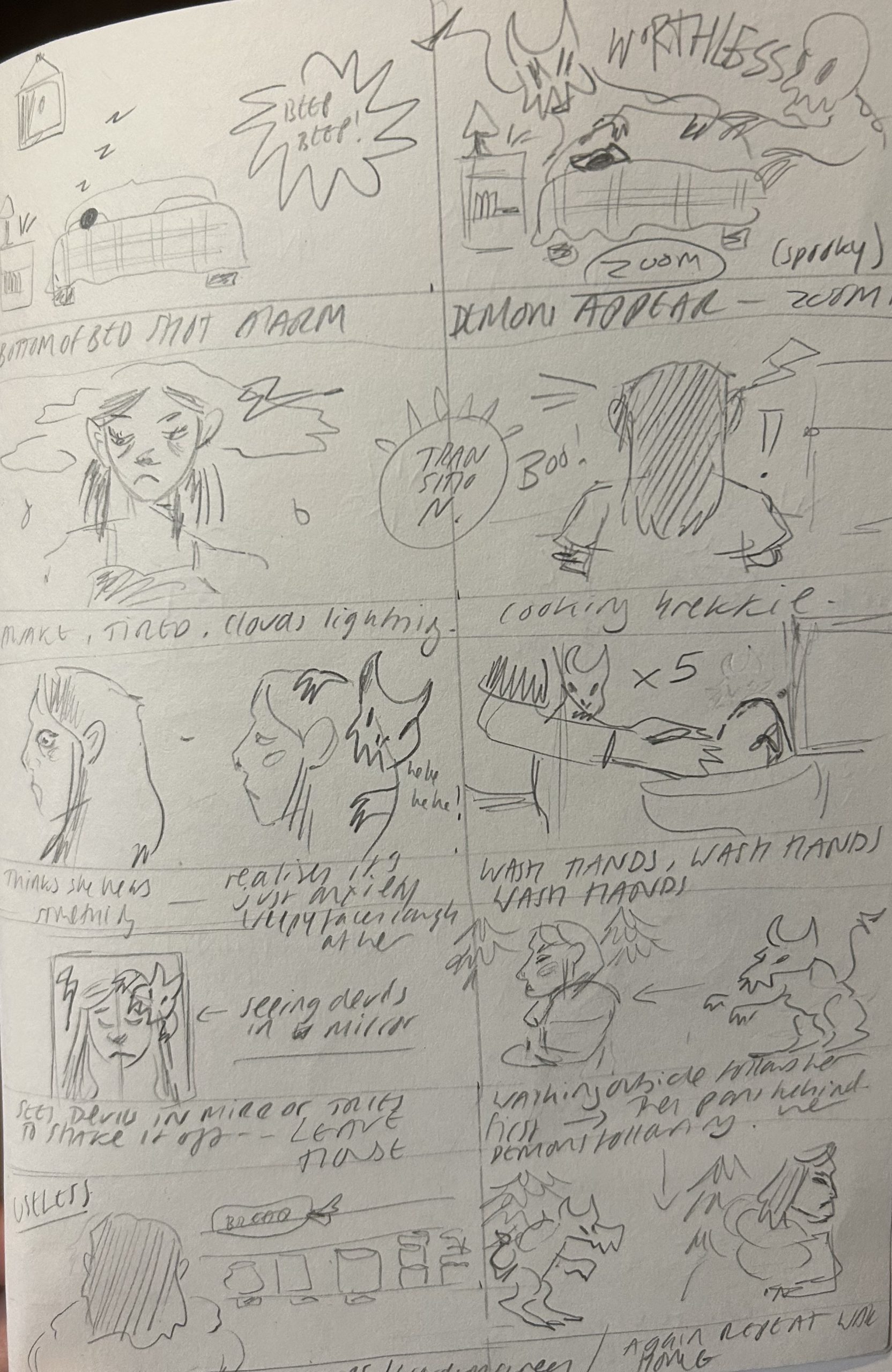
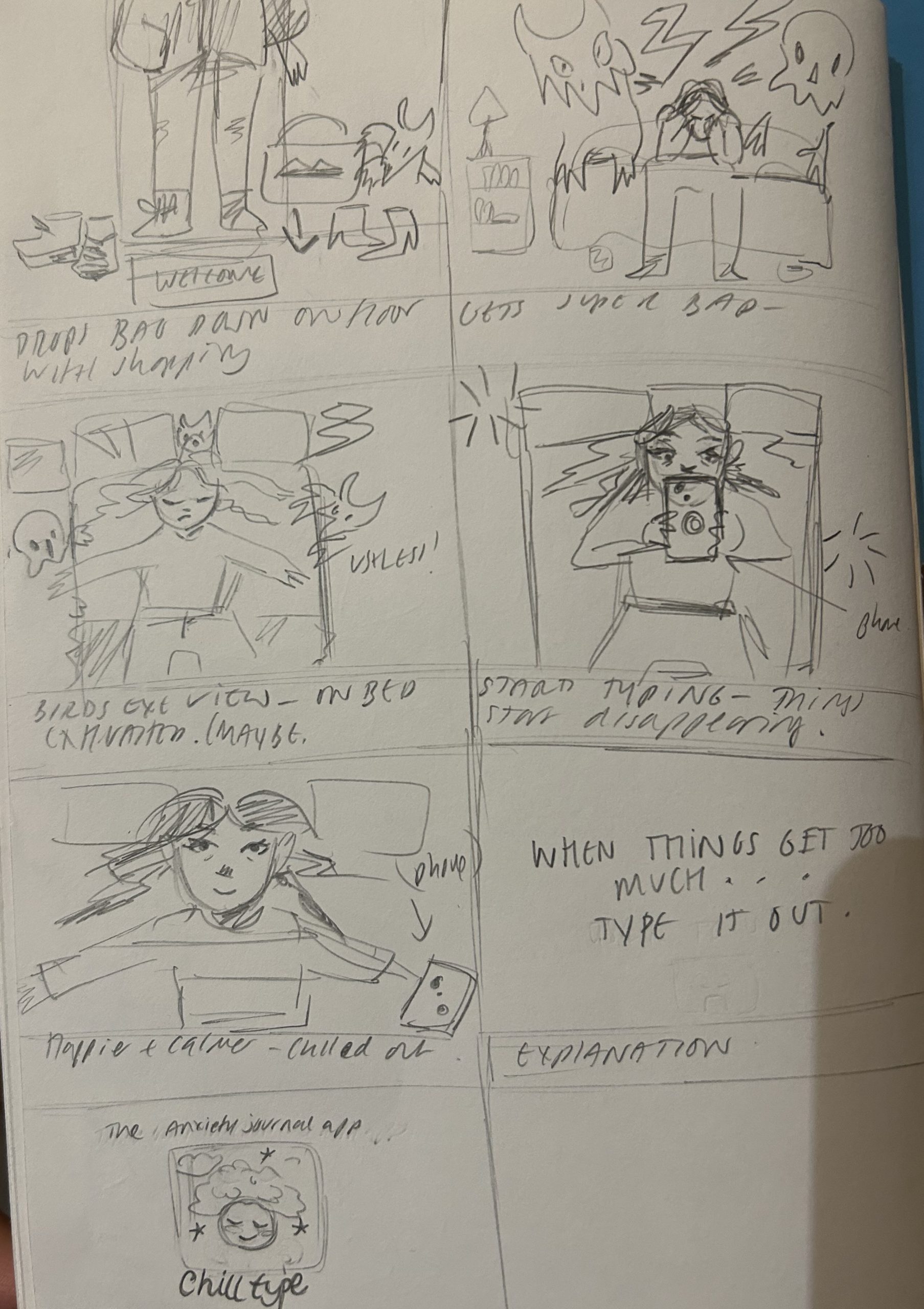
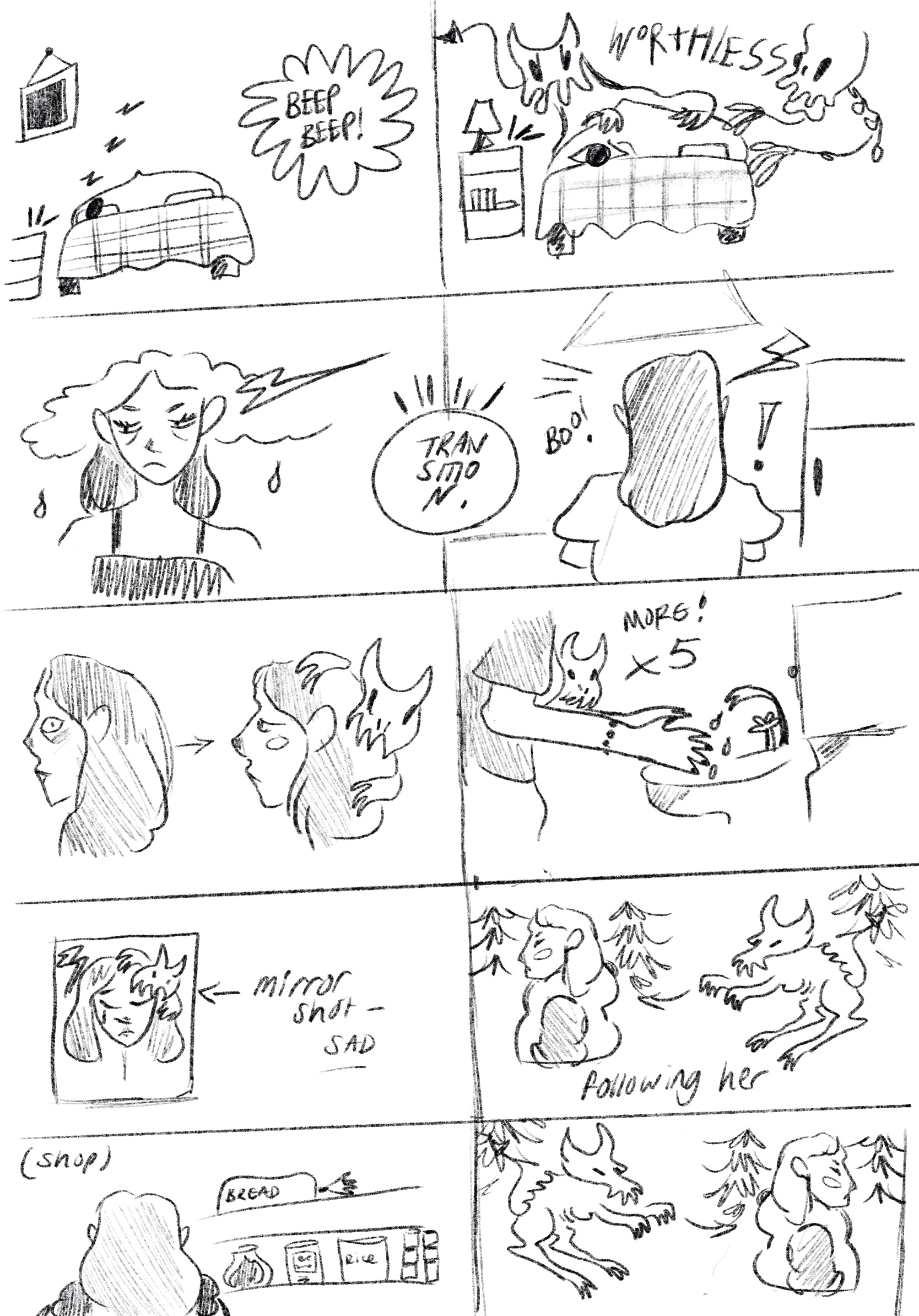
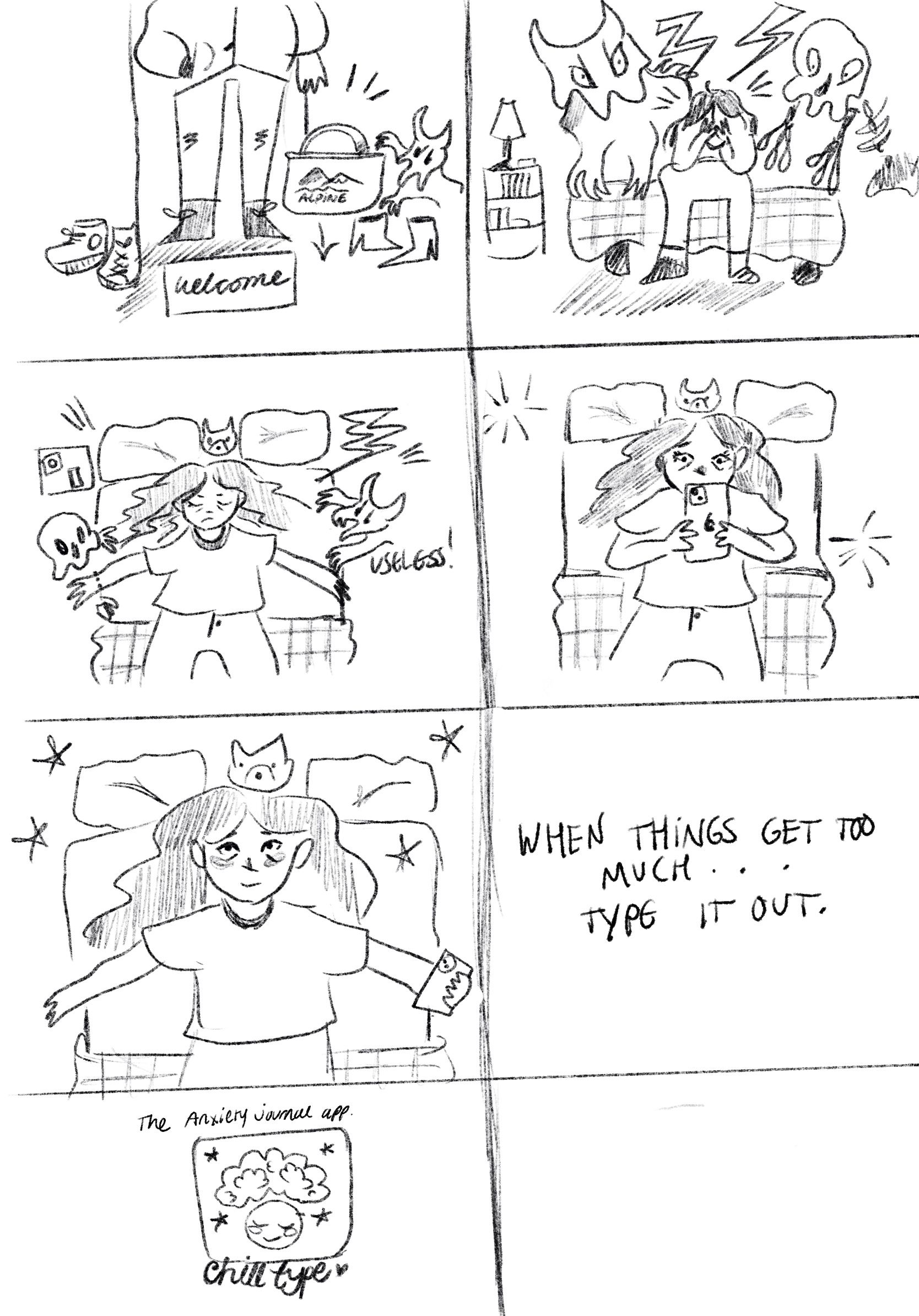
The story of the advert follows a woman going about her daily life whilst also being harassed by evil looking creatures, these creatures represent the anxious thoughts going on underneath. The creatures will be illustrated and made into animated gifs in Procreate and then combined with video clips in After Effects. In the final few panels the advert is finalised, I have chosen to do this in classic mental health awareness advert fashion, with a short text description and tagline. I will also create a logo for the app I am advertising in order to bring the advert together and create an associated brand. These storyboards do indeed block out the key clips in my advert but may leave out some of the transitional shots that I plan to film that will help to combine all the scenes together. Overall I am really pleased with my finalised storyboards and I feel that this process of planning out all of my clips allowed me to know exactly what I need to do in order to create my advert.