Polygons
Obviously, most of my assets were modelled from the basic polygon shapes that are available to use.
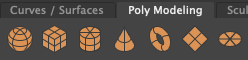
I would use these to start off my models then I would experiment with using multiple different polygons together then reshaping and rescaling them to create the desired effect.

After I had achieved the desired shape that I wanted I would use the mesh tools to combine the various polygons I used.
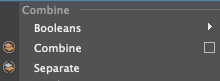
Extrude
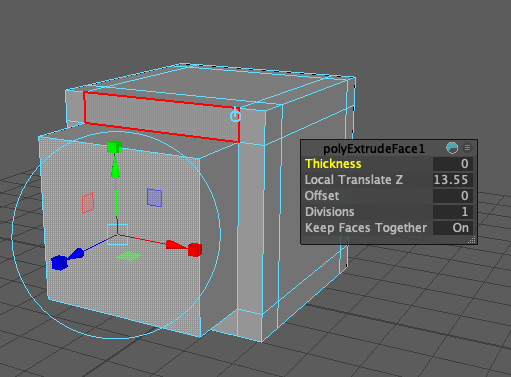
I also used the extrude tool multiple times to create indentations and extrusions. I did this by going to face mode – selecting the faces I want to extrude and then press CTRL+E to extrude the face itself. I also used the extrude tool in assets like the pencil pot to thicken the actual model itself.
Multi-cut tool
The multi-cut tool was used in every asset I made and was extremely important. The multi-cut tool created edge loops that helped my assets to keep their shape when smoothed out.

I used the multi-cut tool by pressing ‘CTRL’ to create a loop around the whole polygon.
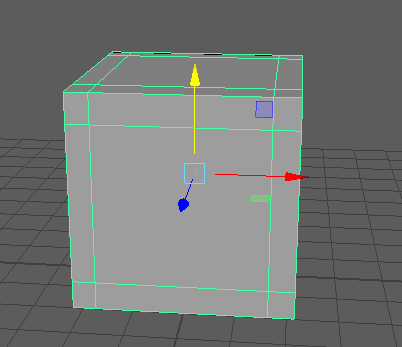
This is an example of a square polygon with added edge loops. By adding edge loops, you can also create extra faces to extrude in your models.
Overall all of these techniques were completely essential in order to create my assets.