I drafted my poster in illustrator and overall was extremely happy with the last result.
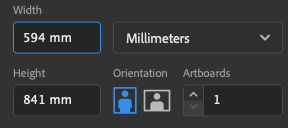
My first step was creating the base of my poster, I made sure the poster was A1 dimensions in portrait mode.
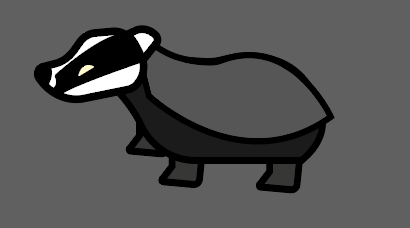
After I had done this, I created the baby badger from my original poster idea. I did this by taking the adult badger, ungrouping the illustration and copying the body, I then created a completely new head for the baby using the pen tool.
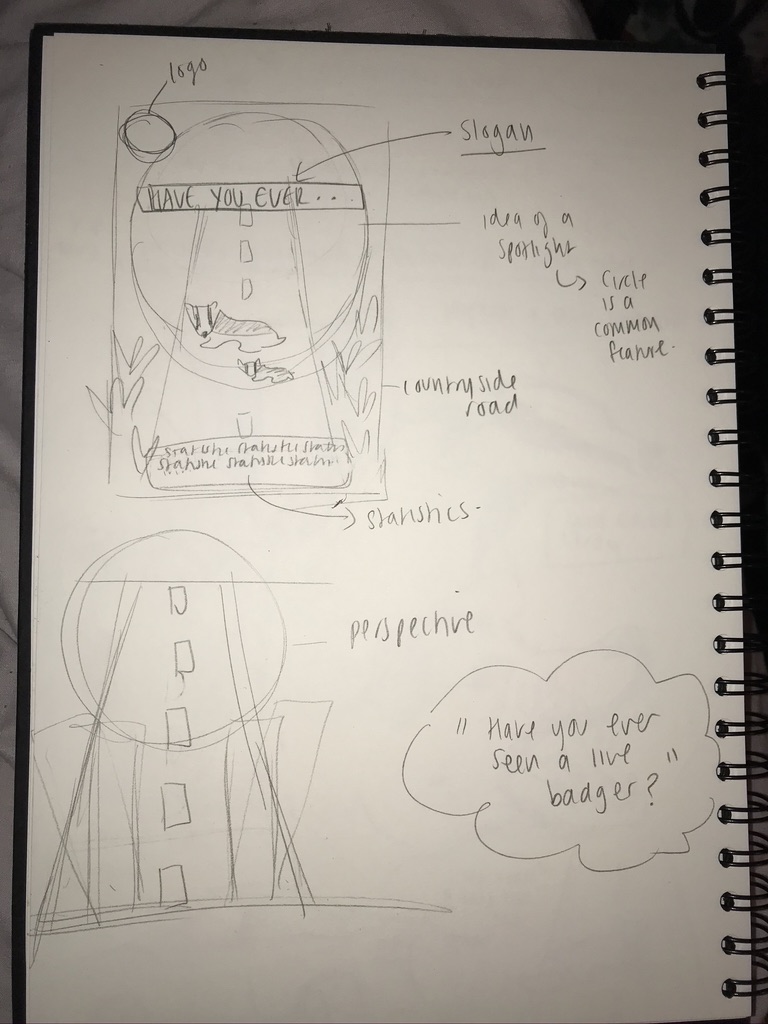
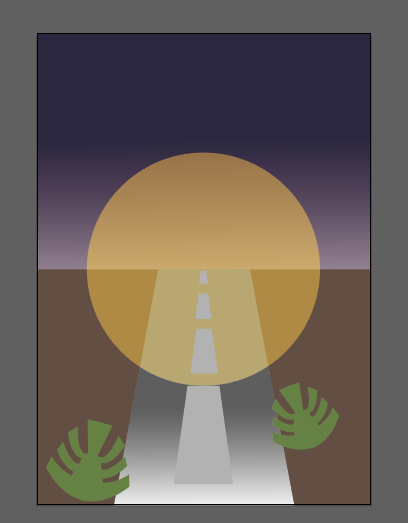
I wanted to include a baby badger for emotive purposes which is a key element in any poster to raise awareness. I then experimented with the background to my poster and colour palettes. I wanted to incorporate the common feature of a circular shape into my poster – like a spotlight on the badger. I also used a gradient to create the effect of a dark night sky and add more perspective on to the road.
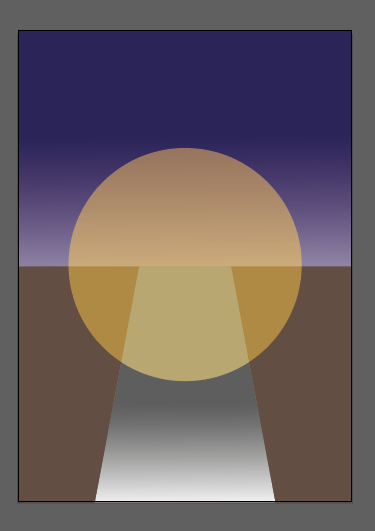
I really liked the colour palette of my draft, I think I will incorporate this into my real poster. After I was happy with the background I started to add the illustrations I had made in illustrator before in (like the plants)
After I had added the plants I added the two badgers and the rest of the plants and adjusted them as I wanted. I then proceeded to add the typographical elements of my poster in which I used the font ‘Arial Black’ which is a bold but clear and easy to read font similar to the inspiration I found for my poster. I was also going to try and incorporate some statistics and a logo on to my poster.
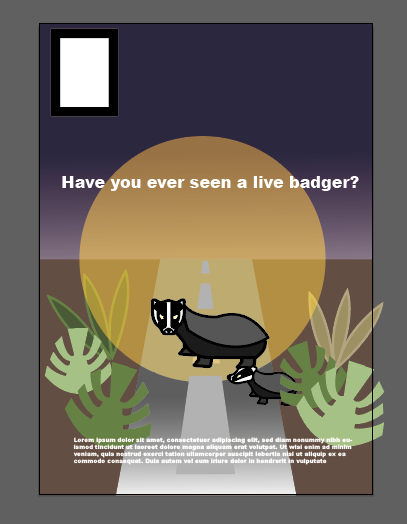
Overall I am really happy with how my poster draft turned out and I feel like I have a good starting point to build off of for my final piece.